Your email signature, with your logo, on every email you send from Ledgvero
Set up your own signature once, with formatting, links and up to three images such as your company logo. Ledgvero adds it to the buyer and invoice emails you write or draft with AI.
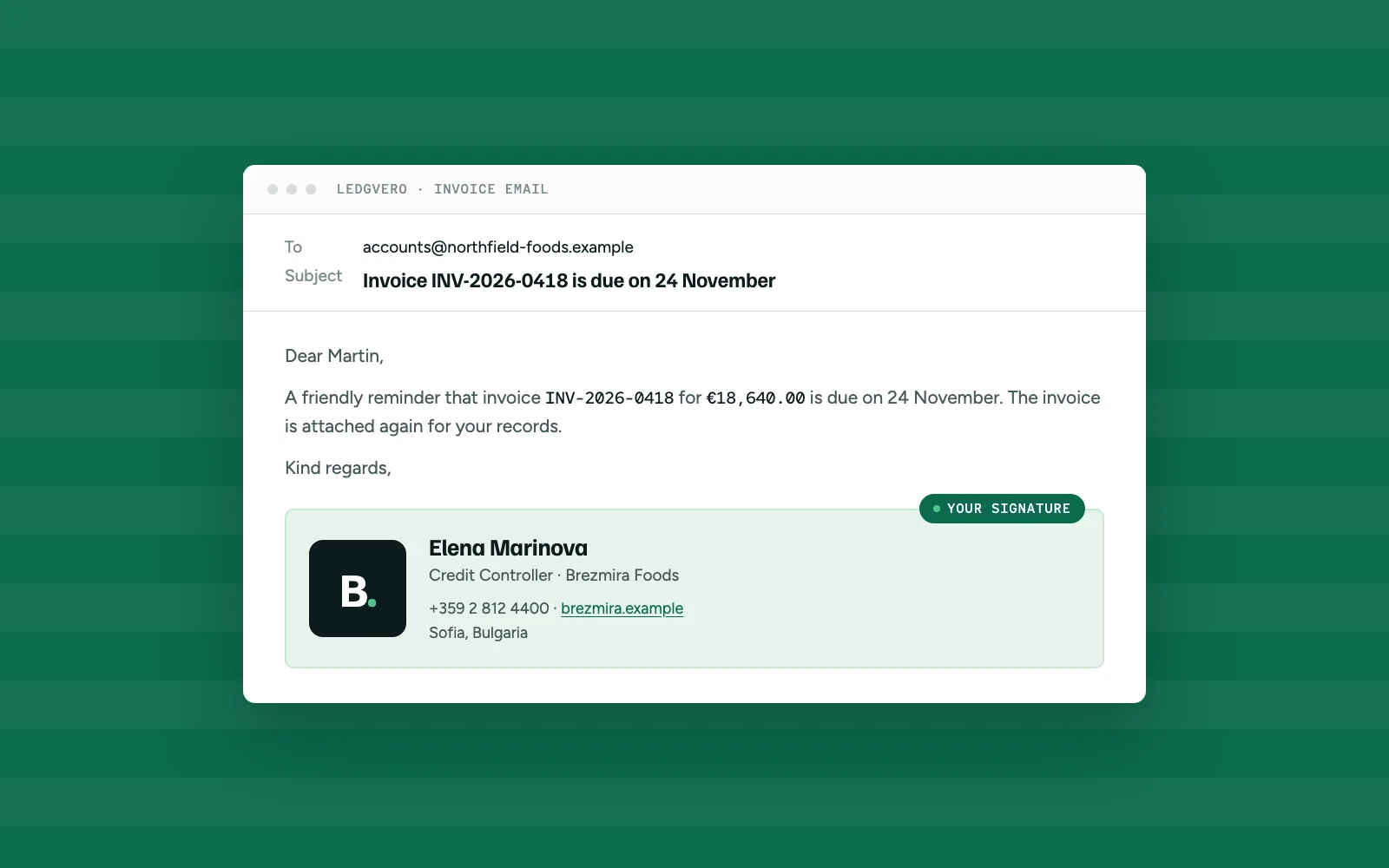
Emails you send from Ledgvero now end the way your other emails do: with your name, your role, your phone number and your company logo.
Write it once
Open Settings › Email and write your signature. Make text bold, italic or underlined, change its size and colour, align it left, centre or right, and add links to your website or your profile. Already have a signature in HTML? Open the HTML view and paste it in, then add its images in the normal editor.
Add your logo
Insert up to three images, such as your company logo or a certification badge. PNG, JPG and WebP files up to 5 MB each work. The images travel inside the email, so your buyer sees them without having to download anything.
See it before you save
Switch to Preview to see the signature as your buyer will. A signature can be up to 2,000 characters long.
It signs your emails for you
Your signature is added to every new buyer email and invoice email, whether you write it yourself or let AI draft it. Each email has an Include my signature box, so you can leave it off a single email when you want to.
Where to find it
Settings › Email › Your email signature. Each person on your team sets their own. A plain-text signature you saved before keeps working.